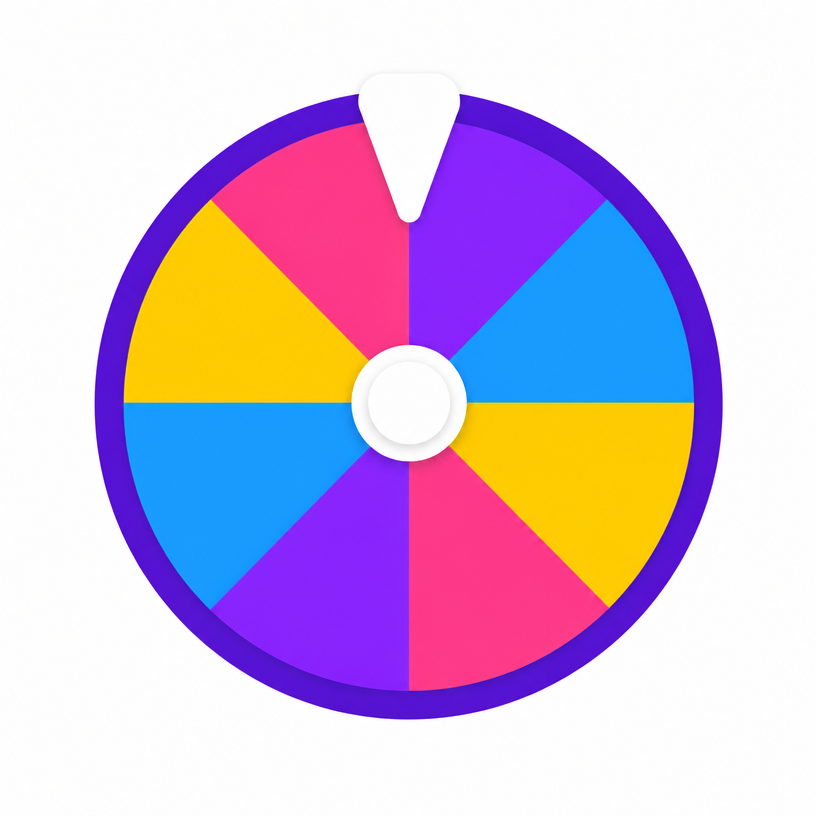
10 Virtual Icebreakers for Zoom Classrooms Using a Name Spinner
Keep remote and hybrid K-12 & ESL students engaged on Zoom, Google Meet, or Microsoft Teams with 10 interactive name spinner icebreakers.
🎓 10 Virtual Icebreakers for Zoom Classrooms Using a Name Spinner
Teaching over Zoom, Google Meet, or Microsoft Teams comes with unique challenges. Getting students to un-mute their microphones or turn on their cameras during the first 10 minutes of class can feel like pulling teeth.
Using a random name spinner on shared screen transforms silent remote calls into lively, game-like participation.
Here are 10 battle-tested virtual icebreaker ideas using our free Wheel of Names tool.
1. The Two-Truths & A Spin
Load student names on the wheel. Spin once to select a student. The student shares two true facts and one silly lie. The rest of the class votes in the Zoom chat box on which statement is the lie!
2. Desert Island Essentials
Spin the wheel to select a student speaker. Give them 30 seconds to answer: "If you were stranded on a desert island and could only bring 3 items from your bedroom, what would they be?"
3. Emoji Storyteller
Paste 10 popular emojis into the chat box. Spin the wheel to pick a student to kick off a story using the first emoji. Spin again to select the next student to continue the story using the second emoji!
4. Show & Tell Blitz
Give students 45 seconds to grab one object within arm's reach of their desk (a favorite mug, a pet, a sketch pad). Spin the wheel to choose who presents their item first!
5. Favorite Food Showdown
Spin the wheel to pick two students. Each student gets 20 seconds to defend their favorite food (e.g. Pizza vs Tacos). The class votes in the meeting poll to pick a winner!
6. The Mystery Word Guesser
Send a private chat message with a secret vocabulary word to a selected student. Spin the wheel to pick a guesser who asks yes-or-no questions until they crack the word.
7. Superpower Selection
Spin the name wheel to select a student. Ask: "Would you rather have the ability to fly, turn invisible, or read minds?" Have them explain their choice in 30 seconds.
8. Weekend GIF Reaction
Have selected students post a single GIF in the chat reflecting how their weekend went, then explain the story behind it live on camera.
9. Rapid-Fire Quiz Warmup
Spin the wheel to pick students for 1-line review questions before diving into the daily lesson plan.
10. Gratitude Spotlight
Spin the wheel at the end of class to select 3 students to share one thing they are grateful for today.
💡 How to Setup Your Virtual Wheel
- Load your student roster into our free Wheel of Names tool.
- Share your browser window on Zoom / Teams.
- Turn on Sound Effects for the full spinning wheel excitement!