Two ways to make teams
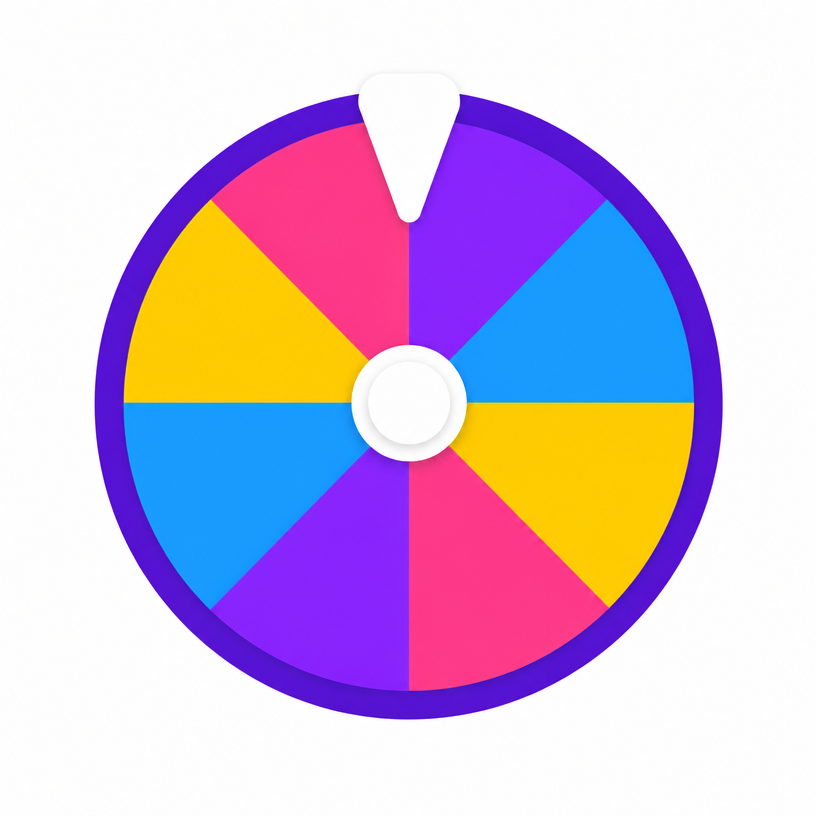
The generate button shuffles the whole list and deals names round-robin into the number of teams you asked for, so team sizes never differ by more than one person. The wheel itself is the second method: spin repeatedly with elimination mode on and assign each drawn name to the next team in turn. The first is faster; the second is more fun in front of a group.
Getting names into the wheel
Use the paste-a-list option and drop in one name per line — a copied column from a spreadsheet works directly. Names stay in your browser; nothing is uploaded, which matters when you are working with a class register.
Keeping teams balanced
- Deal round-robin rather than choosing captains, which avoids the last-picked problem
- Hide a name instead of deleting it when somebody is absent
- Re-generate if a split is obviously lopsided in ability — random is fair, not always balanced
- Save the list so you can re-use it next session
Frequently asked questions
- How many teams can I create?
- Between two and twelve. Names are dealt evenly, so teams differ in size by at most one person.
- Can I make teams of a fixed size instead?
- Divide your number of people by the group size you want and use that as the team count — twenty people in groups of four means five teams.
- Are my names stored anywhere?
- No. Names live in your browser only, and saved wheels use local storage on your own device.
- Can I use it for a sports draft?
- Yes. Spin with elimination mode and assign each drawn name to the next team to run a snake-style draft.
- Can I change the colours of the wheel?
- Yes. Tap the palette button at the top-right of the wheel to pick from nine themes — Classic, Rainbow, Candy, Neon, Ocean, Jungle, Sunset, Pastel and Birthday — or choose Default to restore the wheel's own colours. Spin the Bottle and Coin Toss have their own style menus for bottle designs and coin finishes.
- Is my wheel theme saved?
- Yes. Your chosen theme is stored in your browser and applied automatically to every wheel on the site on your next visit. The menu closes as soon as you pick a theme, and nothing is uploaded or tied to an account.