How to Run a Fair Instagram & Social Media Giveaway Winner Draw
Step-by-step guide to running transparent social media giveaways, picking random comment winners, and streaming live draws with a picker wheel.
🎁 How to Run a Fair Instagram & Social Media Giveaway Winner Draw
Running a giveaway on Instagram, TikTok, YouTube, or Twitch is one of the most effective ways to increase follower engagement and brand awareness.
However, nothing ruins a successful campaign faster than accusations of bias or favoritism in choosing the winner. If followers suspect the host picked a friend or hand-selected a profile, trust vanishes instantly.
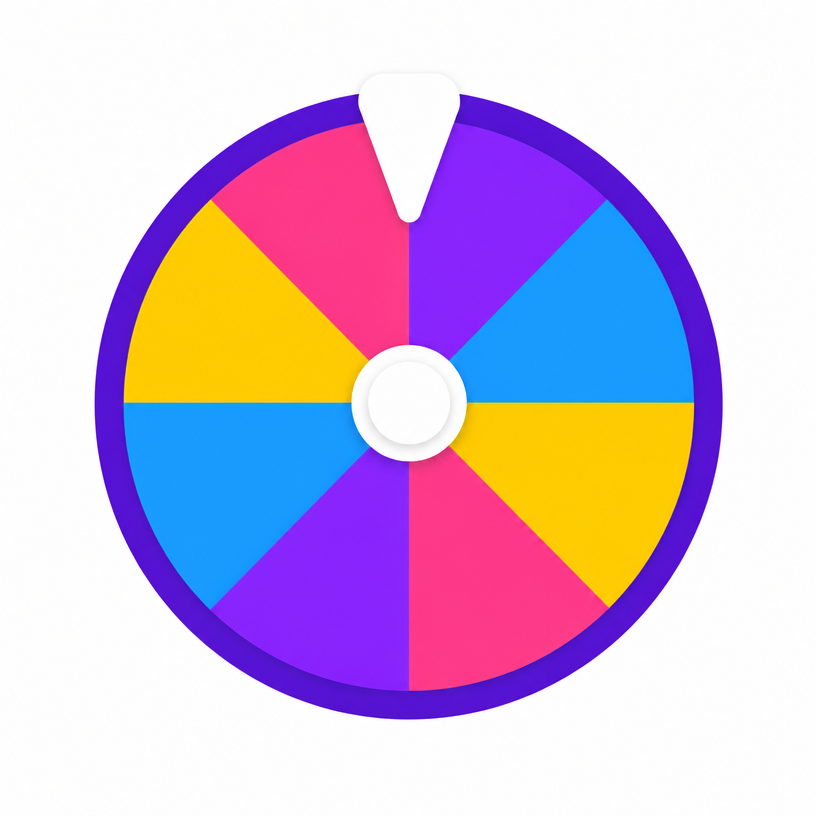
Using a random Picker Wheel to draw winners live on camera or screen-recording is the industry gold standard for transparent, verifiable giveaway draws.
5 Steps for a Seamless Giveaway Draw
1. Set Clear Entry Rules
State your rules explicitly in the post caption:
- Action Required: Like the post, follow your account, tag 2 friends in the comments.
- Duration: Specify start and end timestamps (e.g. "Entries close Friday at 11:59 PM EST").
- Eligibility: State geographic or age restrictions if applicable.
2. Export & Load Your Entrant Names
Once the entry deadline passes:
- Export or copy your entrant username list.
- Open our free Picker Wheel tool.
- Paste the list into the input box (one username per line).
- Extra Entries: If a user earned extra entries (e.g., sharing to their story), simply list their username multiple times or increase their entry weight.
3. Record or Live-Stream the Draw
Transparency is key! Record your phone or laptop screen using screen-recording software (OBS, QuickTime, iOS screen recorder) or broadcast live on Instagram Live / Twitch.
Show the viewer:
- The full slice list on the wheel so everyone sees their name.
- The single tap of the spin button.
- The 3D animation slowing down naturally and landing on the winner slice.
4. Verify Winner Eligibility
Before declaring the winner official:
- Check that the winner followed your account.
- Verify they tagged the required number of friends in the original post.
- If they fail verification, use the Elimination Mode feature to remove them from the wheel and spin once more for a runner-up!
5. Announce & Share the Proof
Post the screen-recording to your Instagram Story or Reel with the caption:
"Congratulations to @winner_handle for winning our Summer Giveaway! 🎉 Watch the live spin proof above!"
💡 Why Creators Love Smart Picker Wheel for Raffles
- Cryptographic Randomness: Draws use `crypto.getRandomValues()` for unbiased results.
- Weighted Slices: Support multiple ticket entries for top supporters.
- No Sign-Up or Upload Required: Runs 100% in your browser for privacy.