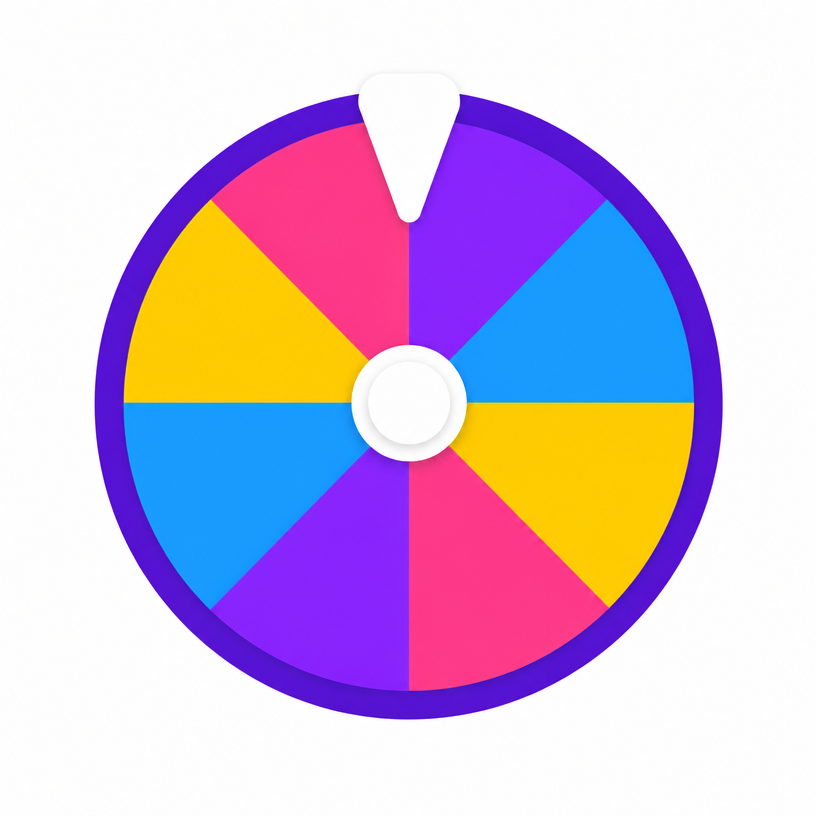
What to use a random letter for
- Scattergories and other letter-based party games
- Naming rounds in a quiz
- Spelling and phonics practice in class
- Picking a starting letter for a writing prompt
- Choosing a category in an A-Z challenge
Vowels, consonants and custom sets
The preset buttons switch between the full alphabet, consonants only and vowels only. Consonant-only sets make word games harder; vowel-only sets are useful for early phonics work. You can also delete individual letters or type your own characters into the options panel, which is how most teachers narrow the wheel to the sounds they are currently teaching.
Letter frequency and fairness
Every letter on the wheel has the same odds by default, which is not how English actually behaves — E and T appear far more often in real text than Q and Z. If you want a wheel that feels closer to natural language, raise the weight on common letters and lower it on rare ones.
Frequently asked questions
- How do I get a random letter from A to Z?
- Leave the wheel on its default A-Z set and press spin. All 26 letters have equal odds.
- Can I exclude difficult letters?
- Yes. Delete letters such as Q, X and Z from the options list, or set their weight lower so they come up less often.
- Can I get a random letter with a random number?
- Spin here for the letter, then use the number wheel for the digit — or add combined slices such as A1 and B2 to a custom wheel.
- Does it work on an interactive whiteboard?
- Yes. The wheel scales to the screen and full-screen mode enlarges it for classroom display.
- Can I change the colours of the wheel?
- Yes. Tap the palette button at the top-right of the wheel to pick from nine themes — Classic, Rainbow, Candy, Neon, Ocean, Jungle, Sunset, Pastel and Birthday — or choose Default to restore the wheel's own colours. Spin the Bottle and Coin Toss have their own style menus for bottle designs and coin finishes.
- Is my wheel theme saved?
- Yes. Your chosen theme is stored in your browser and applied automatically to every wheel on the site on your next visit. The menu closes as soon as you pick a theme, and nothing is uploaded or tied to an account.