A dice roller you can see
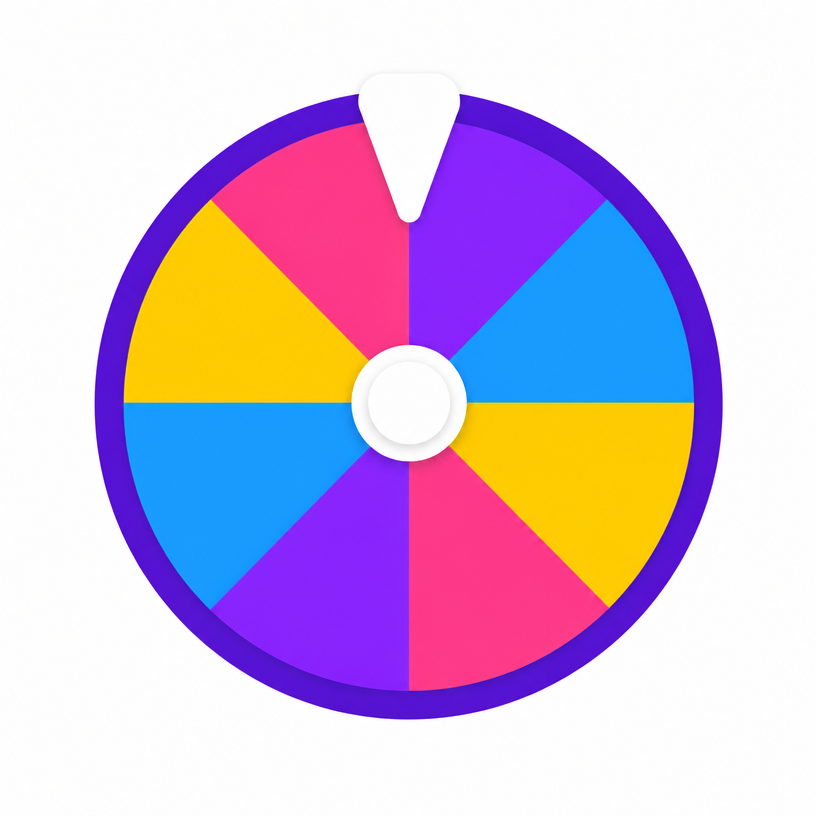
A physical die hides its randomness inside a tumble. A wheel shows every face at once, which is why it works so well on a shared screen: the whole table can see that a natural twenty was genuinely available and genuinely landed. Each roll is drawn from the browser's cryptographic random source before the spin animation begins.
Which die to use
- D4 and D6 for most family board games
- D8 and D10 for damage rolls and percentile-style systems
- D12 for months, hours or specific RPG weapons
- D20 for checks and saves in tabletop role-playing
Rolling multiple dice
Spin once per die and add the totals, or build a custom wheel with the sums you need — for two six-sided dice, that means slices from 2 to 12 with weights matching their real probability. Weighted slices let you model any dice combination on a single wheel.
Frequently asked questions
- Can I roll two dice at once?
- Spin once per die and add the results, or create a custom wheel with weighted totals to model a two-dice roll in one spin.
- Are the rolls fair?
- Yes. Every face has equal probability and results are drawn using your browser's cryptographic random generator.
- Does it work for D&D?
- Yes. The D20 preset covers checks and saves, and the other dice cover damage rolls.
- Can I roll a D100?
- Roll the D10 twice and read the first spin as tens and the second as units, or build a custom wheel of your own values.
- Can I change the colours of the wheel?
- Yes. Tap the palette button at the top-right of the wheel to pick from nine themes — Classic, Rainbow, Candy, Neon, Ocean, Jungle, Sunset, Pastel and Birthday — or choose Default to restore the wheel's own colours. Spin the Bottle and Coin Toss have their own style menus for bottle designs and coin finishes.
- Is my wheel theme saved?
- Yes. Your chosen theme is stored in your browser and applied automatically to every wheel on the site on your next visit. The menu closes as soon as you pick a theme, and nothing is uploaded or tied to an account.