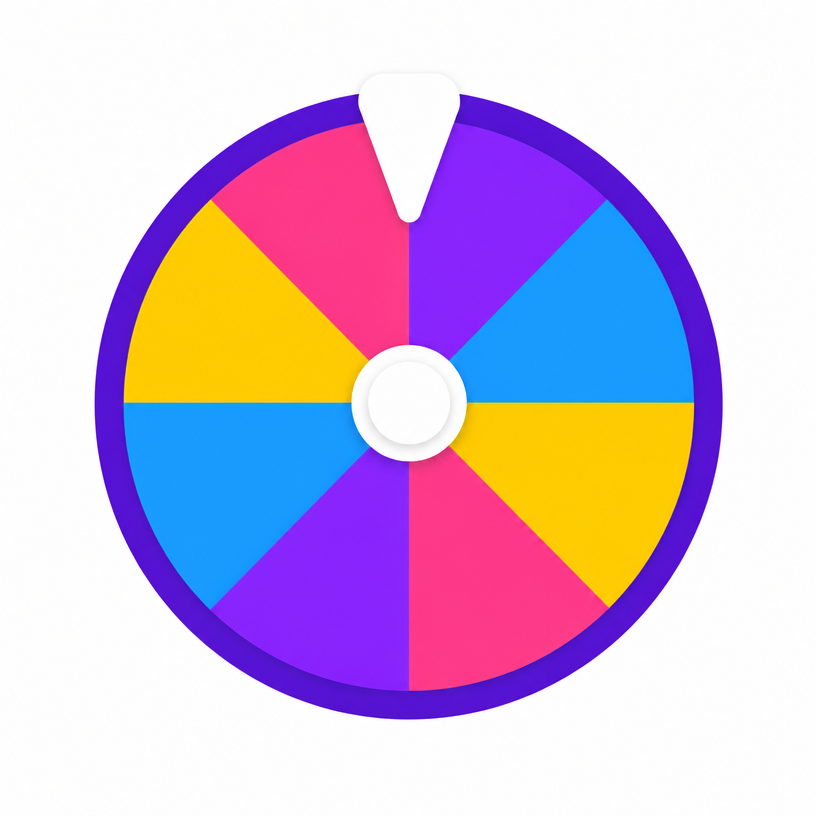
What you get from a spin
Each slice carries a color name and its hex code, so the result is something you can paste straight into a design tool, a CSS file or a paint order. Three palettes are included: bright for playful work, pastel for soft and low-contrast layouts, and deep for backgrounds and text-heavy designs.
Ways to use a color wheel
- Choosing a team or house colour without an argument
- Picking a random swatch for a drawing challenge
- Assigning colours to categories in a chart or planner
- Breaking a designer's block by starting from an unfamiliar hue
- Deciding a nail, paint or outfit colour for fun
Picking colors that work together
One random colour is a starting point, not a scheme. Spin once for a base, then build around it: a lighter and darker version of the same hue for surfaces, plus one contrasting accent. Always check text contrast against your background before committing — a colour that looks lovely as a swatch can be unreadable behind body copy.
Frequently asked questions
- Does the wheel give me hex codes?
- Yes. Every slice shows the colour name with its hex value, and the copy button in the result puts it on your clipboard.
- Can I add my own brand colors?
- Yes. Type a name and hex into the options list and the wheel will include it in the draw.
- Can I generate a fully random RGB color?
- This wheel draws from curated palettes so results stay usable. For an unconstrained value, add your own hex codes as slices.
- Which palette should I choose?
- Bright for games and children's work, pastel for calm layouts, deep for backgrounds and print.
- Can I change the colours of the wheel?
- Yes. Tap the palette button at the top-right of the wheel to pick from nine themes — Classic, Rainbow, Candy, Neon, Ocean, Jungle, Sunset, Pastel and Birthday — or choose Default to restore the wheel's own colours. Spin the Bottle and Coin Toss have their own style menus for bottle designs and coin finishes.
- Is my wheel theme saved?
- Yes. Your chosen theme is stored in your browser and applied automatically to every wheel on the site on your next visit. The menu closes as soon as you pick a theme, and nothing is uploaded or tied to an account.