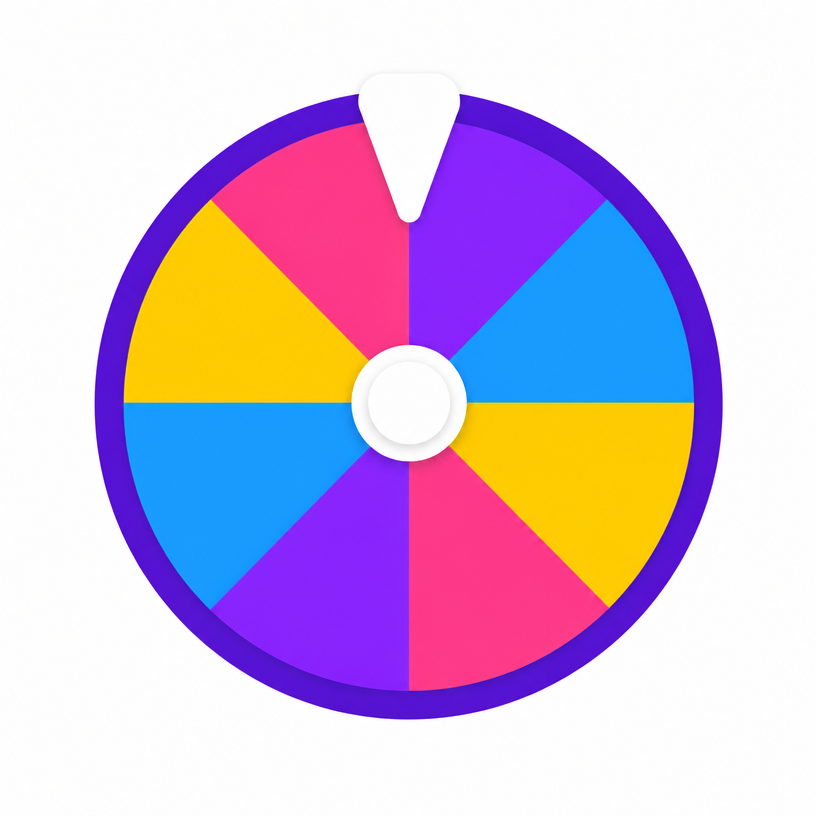
Video Game Challenge Run Wheel 🎮
Breathe new life into your favorite video games! Spin for Pokémon Nuzlocke restrictions, Sims 4 story prompts, and FPS handicaps.
Reviewed by the Smart Picker Wheel editorial team•Updated
Quick answer
The Video Game Challenge Run Wheel generates spontaneous restrictions for let's plays and hardcore playthroughs. Select a genre and spin!
Mode
Every option stays on the wheel.
Options (7/60)
Saved wheels
- Saved wheels stay in this browser — nothing is uploaded.
Frequently asked questions
- How do gamers use the Challenge Run Wheel for let's plays and streams?
- Streamers and YouTubers spin the wheel to select hardcore rules for Pokémon Nuzlockes, Sims 4 story challenges, or FPS handicap matches live!
- What is a Pokémon Nuzlocke challenge on the wheel?
- Nuzlocke rules add high-stakes difficulty to Pokémon games—such as permadeath for fainted Pokémon, level caps, and strict catch limitations.
- Can I customize the wheel for Soulslike games like Elden Ring or Dark Souls?
- Yes! Paste custom restrictions into the slice options—such as 'No Shield Run', 'Level 1 Wretch', or 'Bow Only'.
- Why use a challenge wheel instead of standard difficulty settings?
- A spinning wheel introduces spontaneous restrictions and surprises that breathe new life into games you've already completed!
- Is this tool free for gaming content creators?
- Yes! It is 100% free with customizable options and shareable URL presets.
- Can I change the colours of the wheel?
- Yes. Tap the palette button at the top-right of the wheel to pick from nine themes — Classic, Rainbow, Candy, Neon, Ocean, Jungle, Sunset, Pastel and Birthday — or choose Default to restore the wheel's own colours. Spin the Bottle and Coin Toss have their own style menus for bottle designs and coin finishes.
- Is my wheel theme saved?
- Yes. Your chosen theme is stored in your browser and applied automatically to every wheel on the site on your next visit. The menu closes as soon as you pick a theme, and nothing is uploaded or tied to an account.
More picker wheels
- Yes or No WheelSettle a yes-or-no question in one spin.
- Number WheelPick a random number in any range.
- Letter WheelSpin the alphabet for a random letter.
- Team GeneratorSplit a name list into fair random teams.
- Color WheelLand on a random color with its hex code.
- Country WheelDiscover a random country by continent.